Auto Listing
Prepare and run your listing workflow from a dedicated control center.
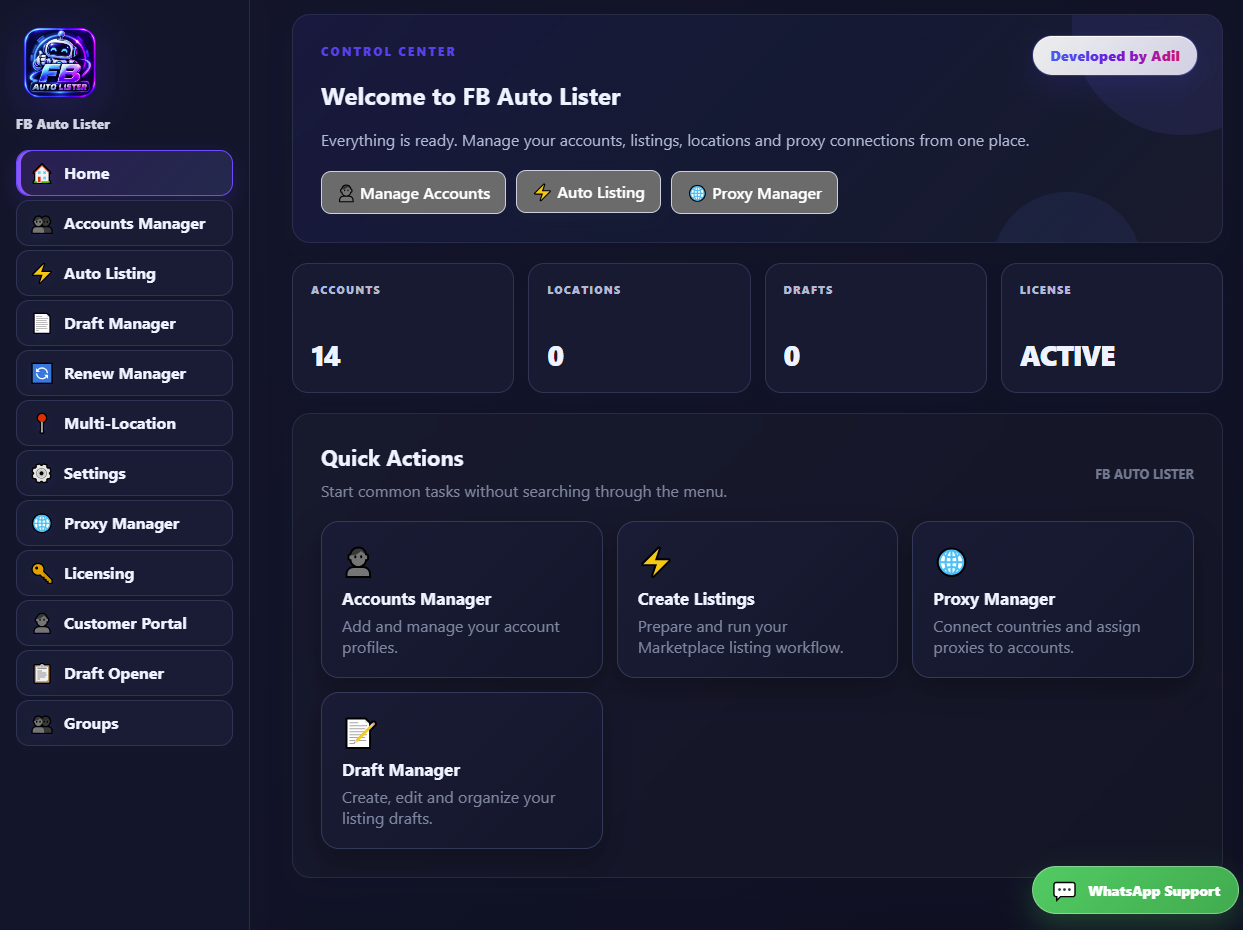
COREFB Auto Lister brings your Marketplace workflow into one clean control center — accounts, listings, drafts, locations, proxies and licensing.
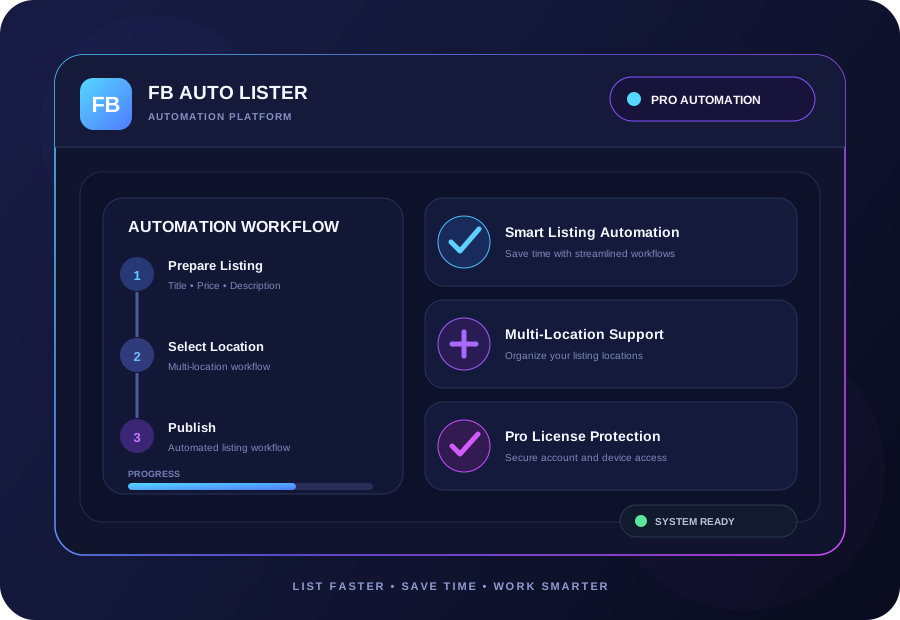
Stop jumping between tools. FB Auto Lister organizes the parts of your Marketplace workflow into one polished desktop experience.
Prepare and run your listing workflow from a dedicated control center.
COREKeep account profiles organized and accessible from one workspace.
Organize listing drafts and keep unfinished work under control.
Manage location-focused listing workflows from a single interface.
Manage proxy connections and account assignments in one place.
Keep renewal-related workflow tasks organized and easy to access.
PRO licensing and device authorization help protect access to the software.
Quickly access the tools you need for your draft workflow.
Follow the guided setup, activate your PRO license, and start organizing your Marketplace workflow.
Download the latest FB Auto Lister desktop build from the official website.
Install the application and launch FB Auto Lister on your computer.
Sign in and activate your PRO license for the authorized computer.
Configure your workflow and use the modules from the control center.
Explore the workflow concept before installing. The full desktop control center is available after installation and account activation.
Manual purchase and support are available through WhatsApp.
Great for a short project or quick workflow.
Get StartedMore time to build a consistent workflow.
Choose 14 DaysFull-month PRO access for your authorized device.
Choose 30 DaysThis page will guide you through downloading, installing, signing in, activating your license and using each major feature.
Step-by-step instructions for downloading and installing the desktop software.
Learn how to open the app, sign in and reach the main control center.
Guides for accounts, listings, drafts, locations, proxies and licensing.
Common setup issues and clear steps to get back to your workflow.
FB Auto Lister is a desktop control center designed to organize Facebook Marketplace listing workflows and related account, draft, location, proxy and licensing tools.
Purchase your selected access period through the official support channel, then sign in inside the desktop application and follow the licensing screen.
Licenses are device-authorized. Follow the current license policy shown in your customer account or contact support if you need a legitimate device reset.
Use the installation guide on this website or contact official WhatsApp support for help with setup and licensing.
Get help with purchasing, installation, licensing and getting started.